Why Industrial UX Requires Different Skills
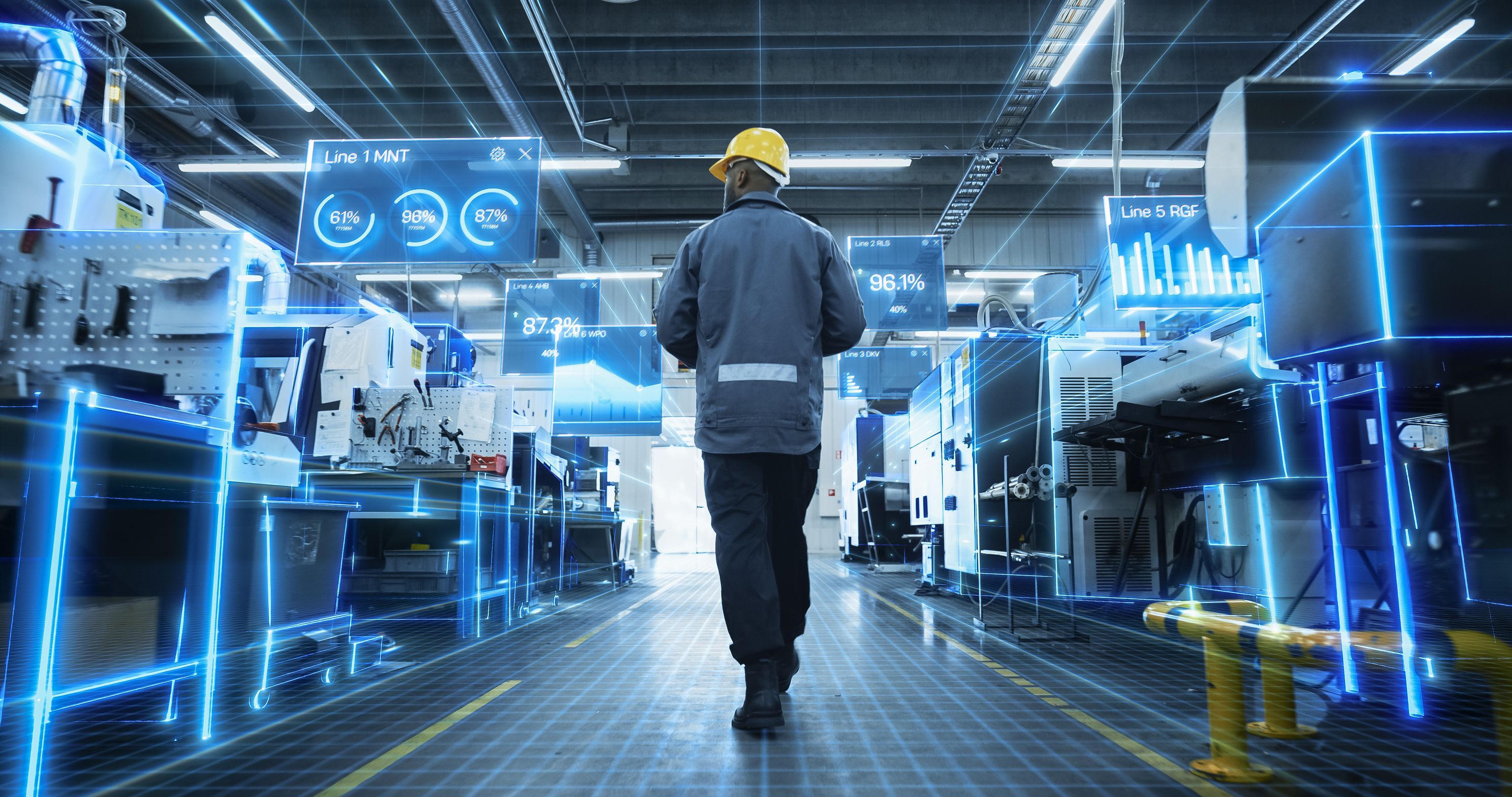
Digital products fundamentally follow the same principles of user-centered design. But as soon as software becomes part of a machine, a device, or a complex work process with other physical control elements and additional functional elements distributed in the space as part of a value creation process, additional requirements arise:
Different Users: Machine operators, maintainers, shift supervisors, and service technicians have deep process knowledge and clear routines. Their interface must support this knowledge, not hinder it. On the other hand, the onboarding and training effort should also be kept as low as possible, e.g., through wizards and tutorials.
Different Environment: Gloves, dirt, noise, glare, movement, vibrations, and changing lighting conditions significantly affect interaction and readability.
Different Consequences: Misoperations can damage equipment or endanger people. Error tolerance, feedback, visibility, and clarity therefore take precedence over design trends.
Different Conditions: Hardware restrictions, real-time data, standards, safety concepts, and long product life cycles must be considered from the very beginning in the design process.
Different Goals: Industrial systems are not used for their own sake but to achieve specific work results. Quality, safety, effectiveness, and efficiency are paramount. The tolerance for unclear processes, unnecessary interactions, or poorly thought-out operation is therefore minimal.
Our Advantage: Everything Under One Roof
A good HMI consists not only of what is visible on the display. Display, housing, physical control elements, position on the machine, ergonomics, and software must all work together.
This is exactly where our approach differs from mere screen design. At BUSSE, UX designers, industrial designers, and engineers can work together on a user experience. This allows us to bring digital and physical interaction together early and not only design solutions but also consider their technical and ergonomic feasibility. Often it makes sense to make certain functions operable both on the screen (e.g., when setting up the program) and via ideally blind-operable hardware buttons in the work area. We consciously consider which functions should be operated digitally and which physically. Depending on the usage situation, it may be sensible, for example, to make a function accessible both via the screen and a well-reachable or blind-operable hardware button.
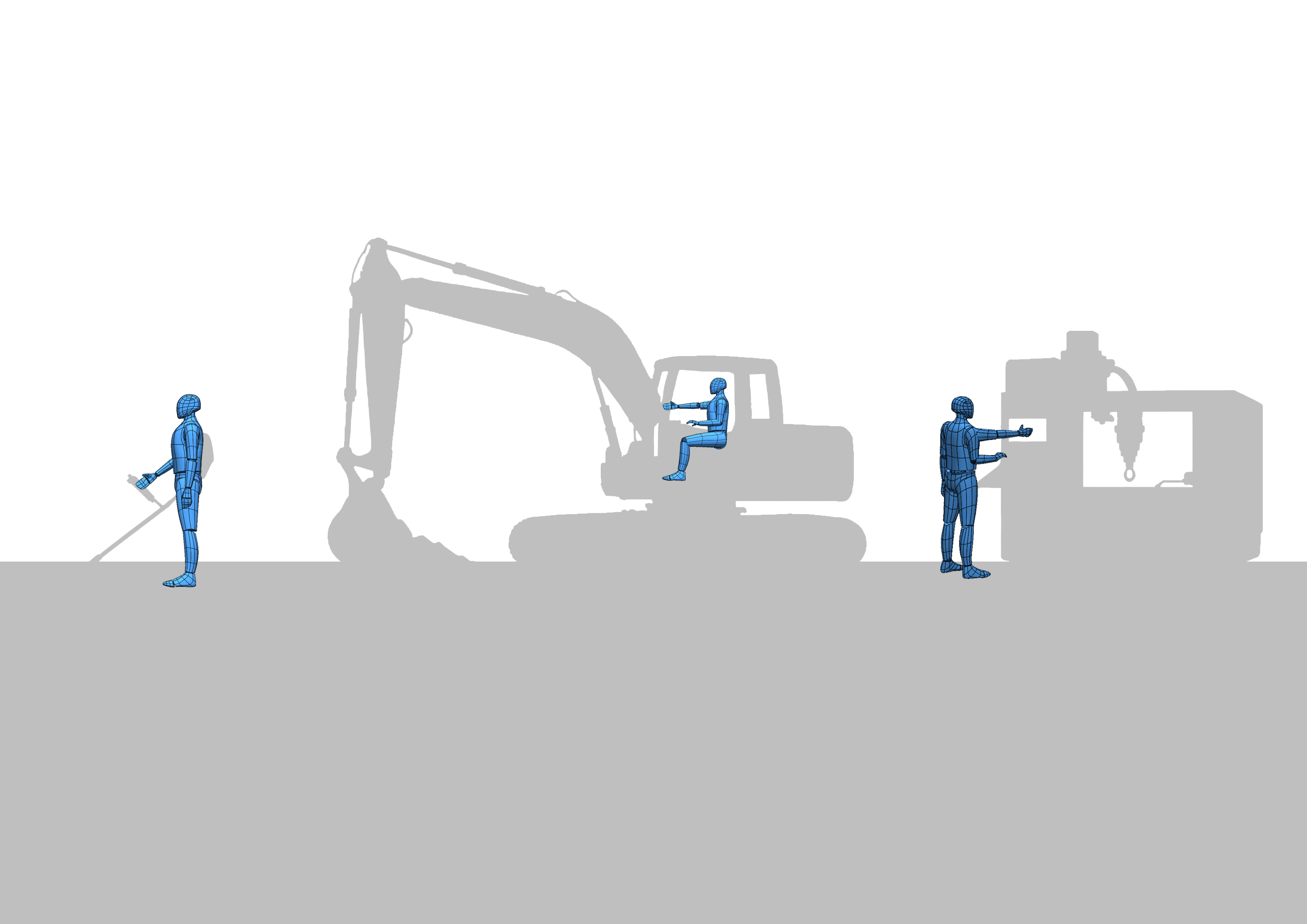
Ergonomics and 3D Competence: We assess fields of view, reach zones, and operating heights
based on relevant standards and directly on the 3D model or via VR/AR before physical prototypes are created in the next step.
Engineering and Prototyping In-House: From clickable UI prototypes to physical functional models, concepts quickly become tangible. This shortens coordination paths and ensures realistic decisions.
HMI Lab: Operating concepts and hardware variants can be tested under practical conditions and validated together with users.
Industrial Design: We design operator terminals and machine interfaces as a complete product, not just the surface on the screen.
Our Approach: UX720°
With UX720°, we consider physical control elements, their location and design, as well as digital surfaces and the usage context not separately but as an integrated user experience. Because an optimized screen alone does not make a good user experience if display size, position, interaction principle, or the selection and placement of physical control elements do not fit the task and usage context.
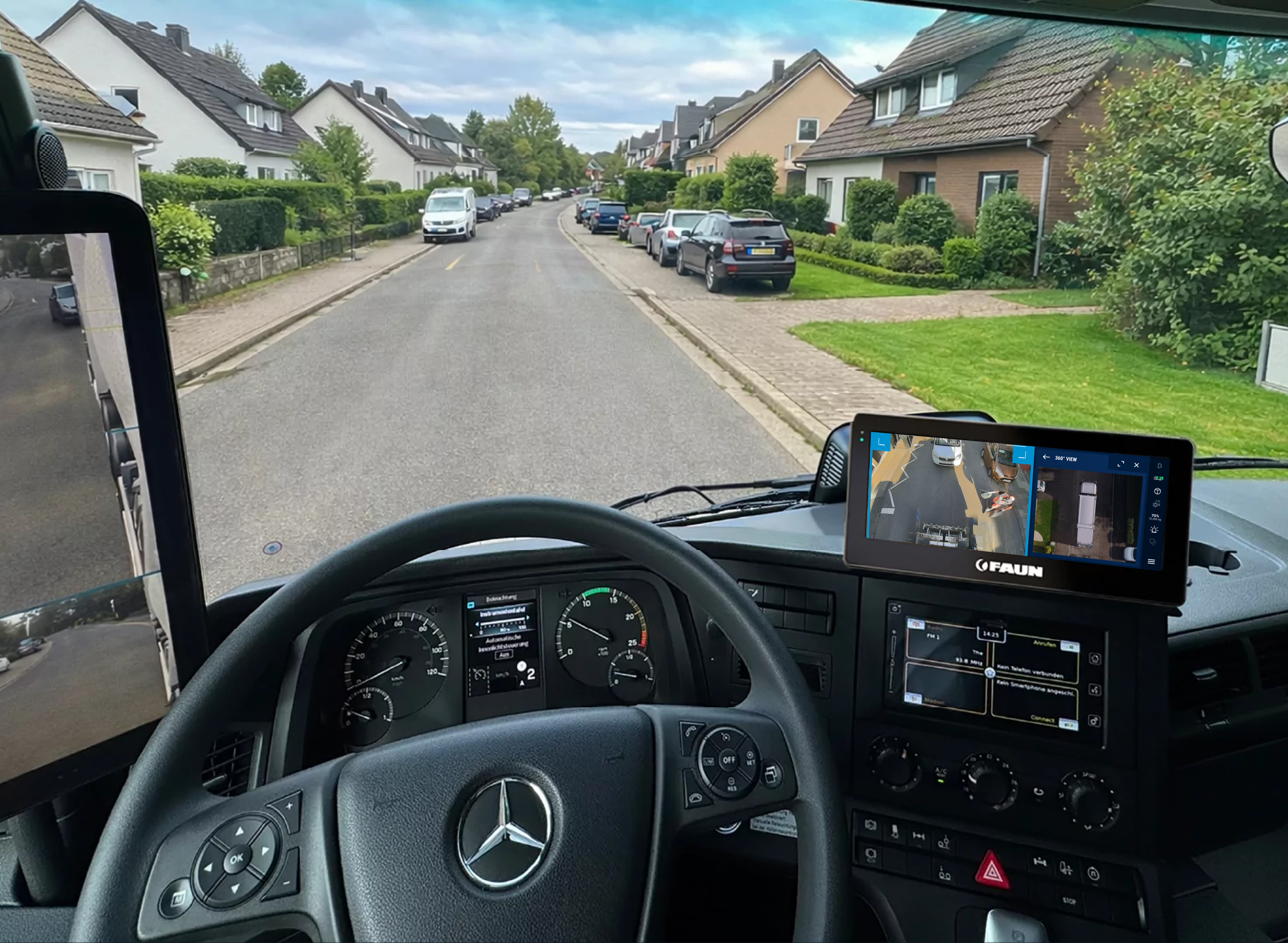
We implement this holistic view, for example, with our Operator HMI: We combine control elements, displays, menu navigation, and hardware for machinery, vehicles, and medical technology into a coordinated solution, from the initial idea to series production readiness.
More about UX720° What Else We Can Do for You
User and Context Analysis Onsite: We observe how your machines are actually operated.
UI Design and Design Systems, consistent across product lines and device generations.
Usability Tests: We validate operating concepts early with real users.
The quality of operation is a significant part of the perceived product quality. Especially in mechanical and plant engineering, it is no longer sufficient to be technically capable. When machines become technically comparable, a well-thought-out operating concept can become a true differentiator.
Industrial UX thus contributes not only to a better user experience but can also strengthen a product's competitiveness.
Not Sure Where to Start?
Not every project has to begin with a complete redevelopment. Often, an objective look at the existing system is the most sensible first step. You can involve us from individual UX components to holistic product development, exactly where you need support.
With a UX Check, we analyze your existing HMI, software, or operating concept and identify specific usability weaknesses and areas for improvement. You receive a well-founded assessment of where action is needed, which measures promise the greatest benefit, and what possible next steps could look like.
This turns a vague “Our operation should actually get better” into a concrete basis for decision-making for further development.
More about the UX Check Let's Talk About Your Operating Solution
Are you planning a new machine generation? Do you want to modernize an existing HMI? Should operation be standardized across different machines and product lines? Or are you looking for a partner for a complex software interface?